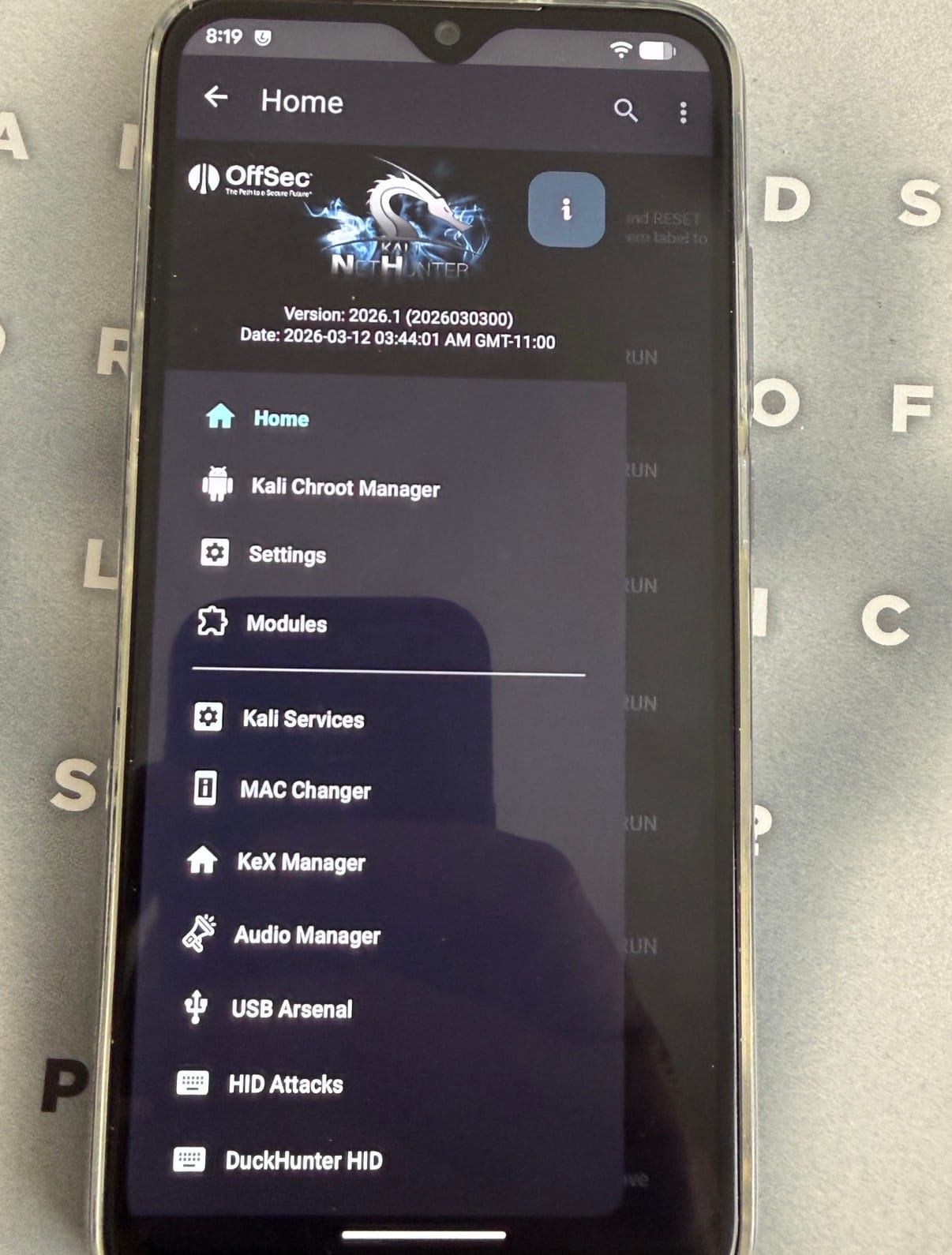
[ ROOT ] Kali NetHunter on Redmi Note 8 (ginkgo) After Android 16
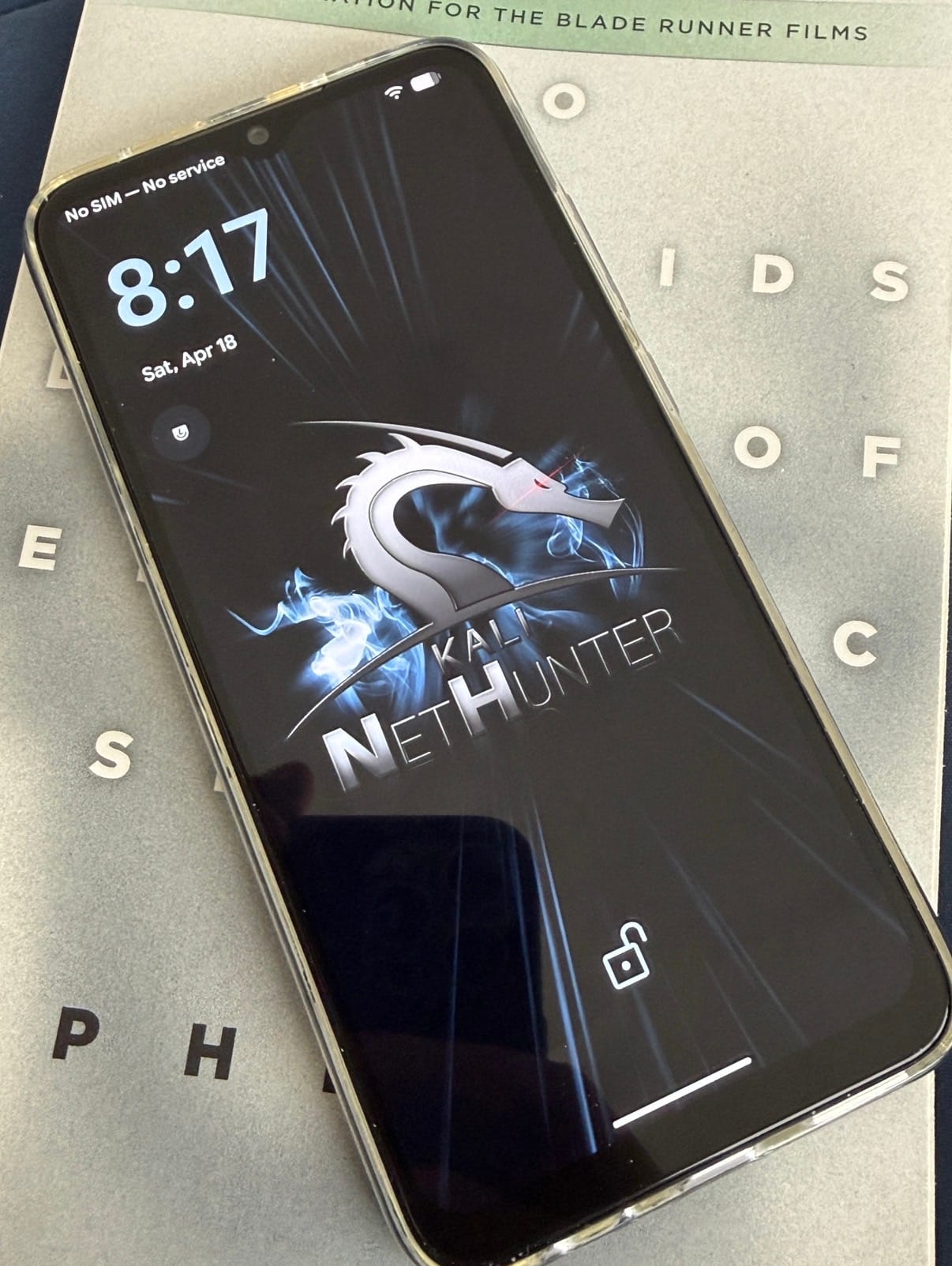


https://www.aliexpress.us/item/3256807315530460.html
A field report from the AVB frontier
A field log from the edge of verified boot.
This was not a clean install. It was a negotiation with a stubborn device stack: LineageOS 23.2, Android 16, TWRP, fastboot, ADB, and a NetHunter path that kept collapsing under AVB, encryption, and kernel mismatch.
The phone was a Redmi Note 8 (ginkgo). The problem was never “just flash the zip.”
The problem was the system beneath the zip.
Scene One: The Loop
The device kept returning to the same symptom set:
- NetHunter logo
- brief hope
- reboot
Recovery added its own small insult:
- /data looked empty
- only lost+found or a thin recovery-created directory structure
- internal storage felt absent, not broken, just unreachable
Fastboot still answered. Lineage sometimes booted. That was enough to keep going.
Autopsy
1. Verified Boot Was Still in the Room
The custom kernel path was being rejected by AVB.
The most obvious signal looked like this:
Failed to find AVB_MAGIC at offset: 0
That message wasn’t noise. It was the system saying the trust chain was broken and it still cared.
2. The vbmeta on Hand Wasn’t Real Enough
The extracted vbmeta image was unusable in practice.
It looked present, but it was the wrong kind of present:
- sparse or incompatible
- not suitable for direct flashing
- not a valid bypass image
So the first real fix was not flashing faster. It was generating a vbmeta that actually did what the stack needed.
3. Encryption Kept Erasing Progress
This was the deeper trap.
The cycle was simple:
- format /data
- recovery can see it again
- boot the ROM
- Lineage re-encrypts it
- recovery loses visibility again
What looked like “empty storage” was really a visibility problem created by FBE and a recovery environment that could not cleanly decrypt what Android 16 rebuilt.
That meant /data was not gone. It was behind glass.
4. NetHunter Was Innocent, But Unforgiving
The install kept failing because the stack was mismatched.
NetHunter is not a universal payload. It is only as stable as the layer beneath it.
That means:
- Android version matters
- kernel version matters
- device-specific package matters
- boot chain matters
A13 or older package logic on an A16 base is not “close enough.” It is a loop generator.
Core Insight
NetHunter is kernel-driven, not zip-driven.
Without these three conditions, nothing above them matters:
- the right kernel
- AVB disabled
- writable, usable /data
No amount of reflashing fixes a foundation problem.
The Fixes
I. Build a Real vbmeta Bypass
avbtool was required.
git clone https://android.googlesource.com/platform/external/avbcd avb
Then:
python3 avbtool.py make_vbmeta_image \
--output vbmeta-disabled.img \
--flags 2
Flash it:
fastboot flash vbmeta vbmeta-disabled.img
This turned off the part of the chain that kept rejecting custom boot content.
II. Rebuild /data by Hand
Recovery did not have a working mkfs.ext4, so the filesystem had to be rebuilt directly.
mke2fs -t ext4 -F /dev/block/bootdevice/by-name/userdata
After that:
- reboot recovery
- remount /data
- verify that it can actually hold structure again
If only lost+found appears at first, that is not failure. That is a fresh ext4 volume breathing for the first time.
III. Name the Loop Correctly
Formatting /data was never the end of the problem.
The real issue was first boot.
If Lineage boots and re-encrypts /data before the stack is prepared, recovery falls blind again.
That turned the rule into something very strict:
forced encryption had to be handled before normal first-boot stability could be trusted.
IV. Use DFE for What It Actually Is
A Disable Force Encryption package was not optional decoration. It was structural.
Its role:
- patch fstab behavior
- strip forceencrypt logic
- prevent Lineage from sealing /data back up immediately
This is where a lot of NetHunter installs fail while looking “almost complete.”
Official NetHunter install guidance points in the same direction: Installing Kali NetHunter.
V. Sideload When Storage Lies
When /data cannot be trusted, sideload becomes the cleaner channel.
From recovery:
adb sideload lineage.zip
adb sideload DFE.zip
Then continue with the rest of the stack as needed:
adb sideload kali-nethunter-generic-arm64.zip
adb sideload kernel-nethunter-ginkgoa16.zip
adb sideload Magisk.zip
Sideload is less elegant than dragging files into internal storage. It is also less fragile when /data is compromised.
Better Path: Root from Android, Not Recovery
One of the most important corrections in this session was realizing that the Android 16 NetHunter package already supported Magisk-based install flow.
That matters because recovery was the unstable layer.
The cleaner path became:
- get Lineage booting
- patch boot.img with Magisk
- flash patched boot
- confirm su
- install NetHunter as a Magisk module from Android
That workflow moves the installation away from TWRP decryption problems and into a running system where /data is properly mounted by Android itself.
The Actual Stack
Base Layer
- Device: Redmi Note 8 (ginkgo)
- ROM: LineageOS 23.2 / Android 16
- Recovery: TWRP
- Host tools: macOS + adb + fastboot
Required Components
| Component | Required State |
|---|---|
| ROM | LineageOS 23.2 (ginkgo) |
| AVB | disabled vbmeta |
| /data | valid ext4 and usable |
| Encryption | controlled / DFE path applied |
| Kernel | ginkgoa16 compatible |
| NetHunter | A16-matched package |
Signals from the Machine
| Symptom | Meaning |
|---|---|
| NetHunter logo then reboot | kernel mismatch or AVB rejection |
| /data appears empty | encryption or failed mount visibility |
| only lost+found | fresh ext4, usually normal |
| AVB_MAGIC error | invalid vbmeta path |
| Permission denied from su | Magisk/ADB root path not actually granted |
Rules Written in Burn Marks
Never
- flash NetHunter blindly through fastboot
- mix Android 13 assumptions with Android 16 packages
- trust a visible zip more than an invisible kernel mismatch
- ignore /data mount behavior
- assume a boot logo means the kernel is “mostly right”
Always
- match kernel to Android version
- disable AVB for custom boot chains
- control forced encryption early
- verify /data is really usable
- prefer Magisk-side install when recovery is the unstable layer
Outcome
Once the stack was corrected in the right order:
- valid disabled vbmeta
- rebuilt /data
- controlled encryption
- Android 16-compatible kernel path
- NetHunter package aligned to the ROM
the install stopped being chaos and became procedure.
That is the shift that matters.
Not “it flashed.” Not “it booted once.”
Procedure.
Closing Note
Android modding used to be about replacing software. Now it is about negotiating policy.
Policy in this case meant:
- AVB
- FBE
- mount visibility
- boot image integrity
- kernel compatibility
NetHunter wasn’t the villain. It was the truth serum.
It exposed every weak layer underneath it.
Appendix / Field Commands
# flash disabled vbmeta
fastboot flash vbmeta vbmeta-disabled.img# rebuild userdata as ext4
mke2fs -t ext4 -F /dev/block/bootdevice/by-name/userdata# sideload through recovery
adb sideload file.zip# patch and flash Magisk boot path
adb push boot.img /sdcard/Download/boot.img
adb pull /sdcard/Download/magisk_patched*.img .
fastboot flash boot magisk_patched*.img
Pull Quotes
/data was not empty. It was behind encryption, and recovery no longer had the language to read it.`
NetHunter didn’t fail because the zip was wrong. It failed because the boot chain was still loyal to the stock world.
The real install order was not ROM, kernel, zip. It was trust, storage, then payload.
NetHunter on the Redmi Note 8 only became viable once the install was treated as a boot-chain problem instead of a zip problem. The real work was disabling AVB, rebuilding and preserving access to /data, matching the kernel to Android 16, and moving away from fragile recovery-side assumptions.
What looked like a simple bootloop was really the overlap of verified boot, forced encryption, and package mismatch. Once those layers were brought into alignment, the install path stopped being random trial and error and became a repeatable procedure.
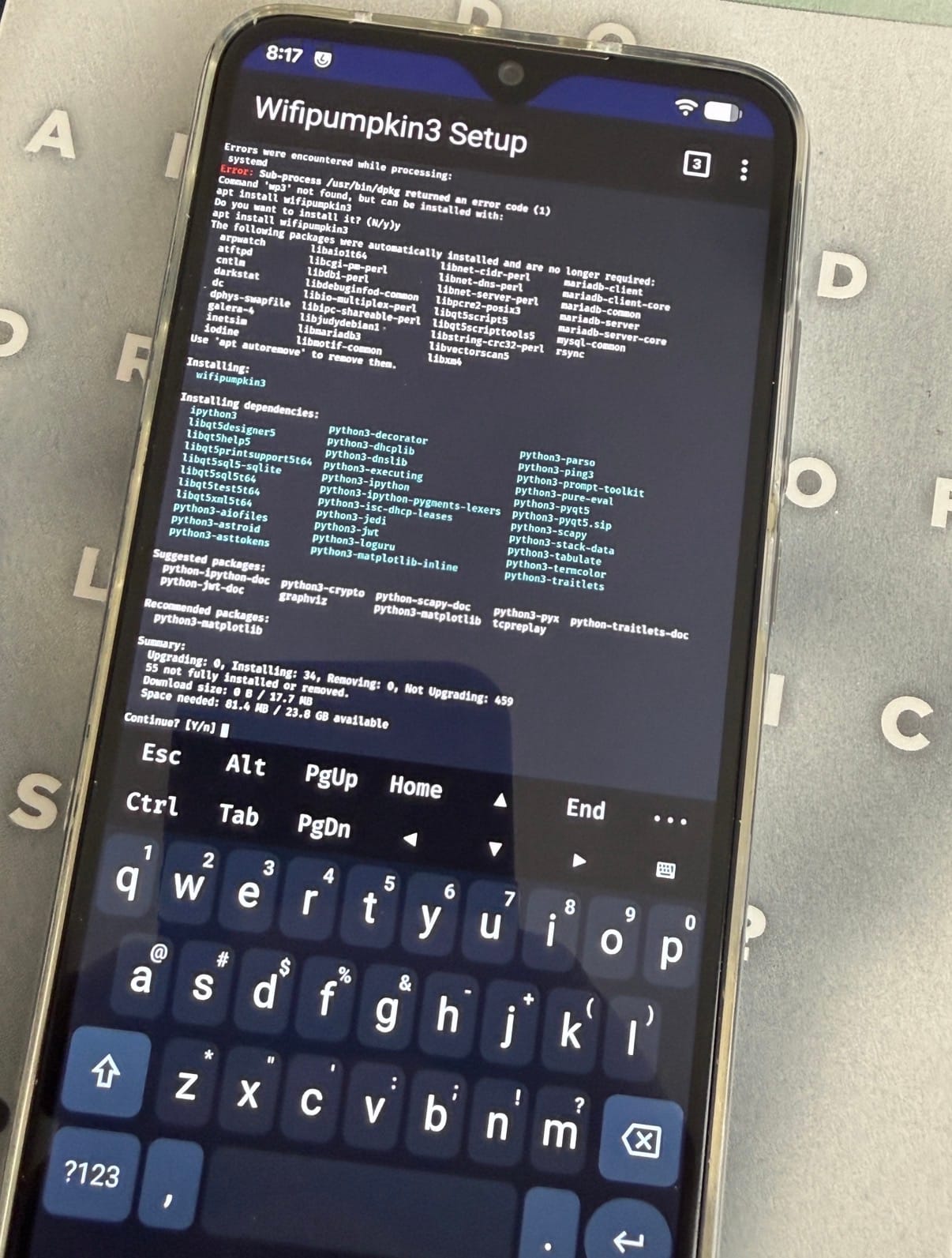
Redmi Note 8 (ginkgo) Root + NetHunter Command Sheet
1. Boot TWRP
fastboot boot twrp.img
2. Flash disabled vbmeta if needed
fastboot flash vbmeta vbmeta-disabled.img
3. In TWRP
Do this on the phone:
Wipe->Format Data- Reboot back to recovery
- Flash
lineage-23.2-20260415-nightly-ginkgo-signed.zip - Flash DFE zip if your build re-encrypts
/data
4. Boot Android and patch Lineage boot with Magisk
Extract boot.img from the Lineage zip, then:
adb push boot.img /sdcard/Download/boot.img
In the Magisk app:
InstallSelect and Patch a File- Choose
/sdcard/Download/boot.img
Pull patched image back:
adb pull /sdcard/Download/magisk_patched*.img .
5. Flash patched boot
adb reboot bootloader
fastboot flash boot magisk_patched*.img
fastboot reboot
6. Verify root
adb shell su -c 'id'
Expected:
uid=0(root)
7. Push NetHunter
adb push kali-nethunter-2026.1-ginkgoa16-sixteen-full.zip /sdcard/Download/nh.zip
8. Install NetHunter through Magisk
adb shell su -c 'magisk --install-module /sdcard/Download/nh.zip'
9. Reboot
adb reboot
10. Final
Open the NetHunter app and complete setup inside Android.
Flash Order Summary
TWRPLineageOSDFEif neededMagisk patched boot.imgNetHunter zip via Magisk
If /data breaks again
mke2fs -t ext4 -F /dev/block/bootdevice/by-name/userdata
Then go back through recovery and repeat the Lineage + DFE path before booting system.
If AVB blocks boot
fastboot flash vbmeta vbmeta-disabled.img
If Magisk says Permission denied
Open the Magisk app and set:
Superuser access->Apps and ADB
Then retry:
adb shell su -c 'id'
Redmi Note 8 (ginkgo) Field Checklist
Files Ready
twrp.imgvbmeta-disabled.imglineage-23.2-20260415-nightly-ginkgo-signed.zipDFE.zipboot.imgextracted from Lineage zipkali-nethunter-2026.1-ginkgoa16-sixteen-full.zip
Fastboot
fastboot boot twrp.img
fastboot flash vbmeta vbmeta-disabled.img
TWRP
Wipe->Format Data- Reboot recovery
- Flash
lineage-23.2-20260415-nightly-ginkgo-signed.zip - Flash
DFE.zipif needed - Reboot system
Magisk
adb push boot.img /sdcard/Download/boot.img
On phone:
- Open
Magisk InstallSelect and Patch a File- Choose
/sdcard/Download/boot.img
Back on Mac:
adb pull /sdcard/Download/magisk_patched*.img .
adb reboot bootloader
fastboot flash boot magisk_patched*.img
fastboot reboot
Verify Root
adb shell su -c 'id'
Expected:
uid=0(root)
NetHunter
adb push kali-nethunter-2026.1-ginkgoa16-sixteen-full.zip /sdcard/Download/nh.zip
adb shell su -c 'magisk --install-module /sdcard/Download/nh.zip'
adb reboot
If /data breaks
mke2fs -t ext4 -F /dev/block/bootdevice/by-name/userdata
Then:
- Reboot recovery
- Reflash Lineage
- Reflash DFE
- Boot again
If AVB blocks boot
fastboot flash vbmeta vbmeta-disabled.img
If su is denied
On phone in Magisk:
SettingsSuperuser access->Apps and ADB
Then retry:
adb shell su -c 'id'
Then Install from LineageOS 😎








 topjohnwu